

Syaxis
: How to use it, features, and the business problems it solves
What is Syaxis?
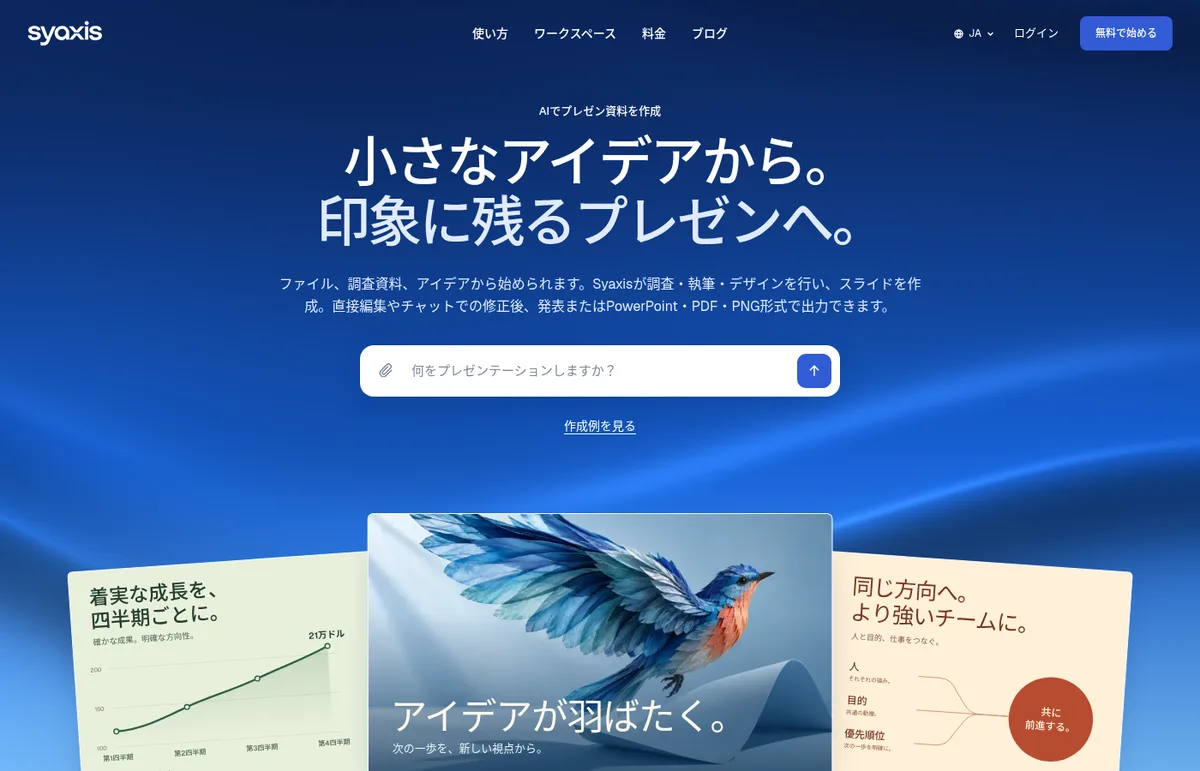
Syaxis (Syaxis.ai) is an AI presentation maker operated by Syaxis, LLC in the United States. Give it a topic, a short prompt or reference files such as PDF and Word documents, and its agent researches web sources while it builds the structure, writes the text and designs the slides. You can edit slides directly or ask for revisions in chat, present in the browser, and export to PowerPoint, PDF or PNG. Chat with models such as OpenAI, Claude and Grok, plus image generation, use the same credits. The interface is available in nine languages including Japanese. The Free plan includes 75 credits a month and up to 12 slides per deck, with a "Made with Syaxis" mark on exports; paid plans are Basic ¥1,160, Pro ¥2,175 and Max ¥5,800 a month (up to 20% off yearly), and the team Business plan is ¥3,625 per user a month with a two-seat minimum (as shown on the pricing page in November 2026).
Business problems it solves



About "Syaxis"
What is Syaxis?
Syaxis (Syaxis.ai) is an AI presentation maker: give it a topic, a short prompt or your own files, and its agent researches sources and handles the structure, writing and design. It is operated by Syaxis, LLC in the United States. You can edit the finished slides directly in Syaxis or ask for changes in chat, then present in the browser or export to PowerPoint, PDF or PNG.
Besides slides, Syaxis includes a chat that can use models such as OpenAI, Claude and Grok, plus image generation, all drawing on the same credits. The interface is available in nine languages including Japanese, and you can also create presentations in right-to-left languages such as Arabic.
Source: Syaxis official website (same for the images below)
How to use it
- Create an account Sign up from "Start creating" on the official website. The Free plan does not require payment details to start.
- Describe what you need In Presentations, enter a topic or short instruction together with the audience and purpose. Attach reference files such as research, notes, PDF or Word documents if you have them. You can start without files or an outline.
- Let the agent research and build The agent reads your files and searches related pages while it creates the title, slide text, layouts, images and charts.
- Revise, present or export Edit text and images directly on the slides, or ask for larger changes in chat. When you are done, present in the browser or export to PowerPoint, PDF or PNG.
From research and writing to finished slides
Syaxis focuses on the work between the first idea and the finished deck: selecting information, shaping it for an audience and revising it. The official site says users should review the facts, wording and exported slides before sharing them.
- Flexible starting points — Start from just a topic or short prompt, or from files such as reports, briefs and notes. You can also use research you did in chat
- Source research — The agent searches and reads related pages while building slides. You can specify questions or preferred sources
- Instructions for your files — Tell it to use a report as background, follow an existing outline or turn only certain sections into slides. Spreadsheets (XLSX, CSV, TSV) and audio are first uploaded to chat, and you then request a deck based on the analysis or transcript
- Your originals stay unchanged — The agent creates a new presentation from your materials. The layout of an uploaded PowerPoint file is not reproduced automatically
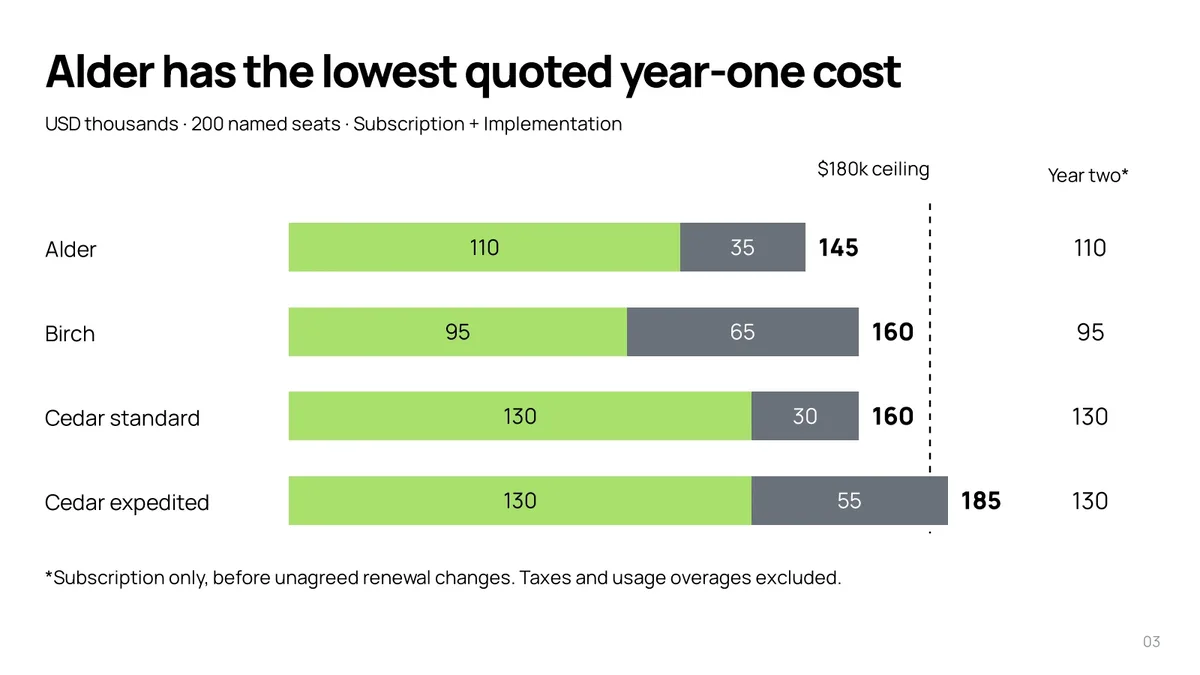
The official website publishes four eight-slide examples, made from a topic only, a 48-page PDF report, a Word memo and two source files, together with the prompts and sources (the examples are in English).

Editing, presenting and exporting
- Direct editing — Edit text and formatting, move or resize elements, add or replace images, change backgrounds, and add, duplicate, reorder or delete slides. Manual edits do not use credits
- Revisions in chat — Ask the agent for larger changes to the argument or design. You can restore an earlier saved state from version history
- Present in the browser — Open presentation mode and move between slides with the arrow keys. You write speaker notes yourself and can show or hide them while presenting (the agent does not write notes)
- Export — PowerPoint, PDF and PNG. PowerPoint files contain editable text and shapes, but some charts and diagrams remain images and cannot be edited individually
Chat and image generation
You can also use chat on its own without creating a presentation. It can research and compare files, analyze data, create downloadable Word and PDF documents and interactive visuals, generate and edit images, and search the web, news and academic papers or work with public links you provide. The official site lists OpenAI, Claude, Grok, Kimi, Qwen and GLM (Zai) as AI providers available in chat.
In chat, the Free plan uses Auto, while Basic and higher plans can choose among the available models. Syaxis selects the models used to create and edit presentations. The site notes that available tools and usage vary by plan and availability.
Pricing
Creating presentations, AI revisions and chat all use a shared pool of credits. There is no limit on the number of presentations; each plan sets the maximum slides per deck, the number of concurrent builds and upload limits.
| Plan | Monthly billing | Yearly billing (per month) | Credits / month | Max slides / deck | Concurrent builds |
|---|---|---|---|---|---|
| Free | ¥0 | — | 75 | 12 | 1 |
| Basic | ¥1,160 | ¥928 | 1,000 | 25 | 2 |
| Pro (recommended) | ¥2,175 | ¥1,740 | 2,100 | 40 | 5 |
| Max | ¥5,800 | ¥4,640 | 6,000 | 60 | 10 |
| Business | ¥3,625 per user | — | 3,600 per user | 40 | — |
| Free | Basic | Pro | Max | |
|---|---|---|---|---|
| Exports | With "Made with Syaxis" mark | No mark | No mark | No mark |
| Models in chat | Auto | All available models | All available models | All available models |
| File uploads / month | 10 | 30 | 75 | 150 |
| Image uploads / month | 5 | 15 | 35 | 60 |
| Files per conversation | 10 | 20 | 30 | 50 |
- Yearly billing is available only for individual plans (Basic, Pro and Max), and you pay for a full year at checkout. The yearly figures in the table are the rounded-down monthly equivalents the pricing page shows for comparison. Credits and other allowances still renew monthly
- Business is billed monthly only, starting with two seats. Everyone on the team gets all Pro features, and each seat adds credits to a shared team balance. Owners and admins can see usage by member, but there are no per-member limits. It is a separate workspace from your personal plan, and personal chats stay private
- Monthly credits reset every month and do not roll over. Purchased extra credits stay in the workspace and never expire (monthly credits are used first)
- The amounts above are the yen prices shown on the Japanese pricing page. The pricing section of the Japanese home page shows US dollars (Basic $8, Pro $15 and Max $40 a month, or $6, $12 and $32 a month billed yearly). Whether tax is included is not stated; the final total, including currency and tax, is shown at checkout
- Cancelling stops the next renewal, and you keep paid access until the end of the current billing period
(As of November 2026, based on the official pricing page)
Refunds
Under the refund policy, if you request a refund within 12 hours of your initial subscription purchase and have used less than 10% of your plan's monthly credits for the current period, the initial subscription payment is refunded in full (monthly or annual; the window does not restart on renewal, upgrade or later payments). Email hello@syaxis.ai with your account email and the payment date or receipt reference. Statutory withdrawal and refund rights are handled separately from this voluntary offer (Refund Policy, updated September 21, 2026).
Pros and cons
Pros
- Hands off research, structure, writing and design together, whether you start from just a topic or from your own materials
- Supports both direct editing on slides and revisions in chat, and manual edits do not use credits
- Exports to PowerPoint with editable text and shapes, and lets you present directly in the browser
- Besides slides, multi-model chat and image generation use the same credits
- The interface supports Japanese, and the Free plan can be started without payment details
Cons
- The Free plan is limited to 12 slides per deck and 75 credits a month, and exports carry a "Made with Syaxis" mark
- When exported to PowerPoint, some charts and diagrams remain images and cannot be edited individually. The layout of uploaded PowerPoint files is not reproduced
- The official examples are in English; no Japanese sample presentations are published
- The company's address is not published (the Terms are governed by Delaware law)
- No third-party coverage or reviews could be found yet (as of November 2026)
Reviews and reputation
As of November 2026, we could not find any evaluations on third-party review sites or in the press. Instead of user testimonials, the official site publishes example presentations with their prompts and sources, so the most reliable approach is to check those examples and try the Free plan.
How Syaxis differs from other AI slide tools
| Product | Type | Key features |
|---|---|---|
| Syaxis | AI presentation maker that starts from research and writing | The agent researches sources and builds the structure, text and design. Direct editing and chat revisions, browser presenting, PowerPoint, PDF and PNG export. Includes multi-model chat and image generation |
| GAMMA | AI design tool for presentations, documents and websites | Generates designs automatically from prompts or existing materials with many themes. Exports to PPT, PDF and Google Slides |
| Beautiful.ai | AI presentation maker with automatic layout | Smart Slides adjust spacing and alignment automatically. Generates decks from a topic and supports brand control |
| イルシル | Japanese AI slide generator specialized in Japanese business documents | Over 3,000 Japanese templates. PDF and PPTX export and a PowerPoint plug-in |
| Genspark AI | All-in-one AI workspace | An agent that switches between multiple models creates slides, sheets, documents and more |
Information on the other products in the table reflects what was confirmed on each product page. イルシル suits polished internal documents with Japanese templates, GAMMA suits creating documents and websites in one tool, and Syaxis suits handing over the research as well as the slides.
FAQ
Q. Can I use Syaxis for free? Yes. The Free plan includes 75 credits a month and up to 12 slides per presentation, with no payment details required to start. Creating presentations and AI revisions use credits; manual edits do not. Exported files carry a "Made with Syaxis" mark.
Q. Can I use it in Japanese? The interface is available in nine languages (English, Spanish, French, German, Japanese, Portuguese, Korean, Arabic and Indonesian). The site says you can create presentations in the language you prefer. The official examples are in English.
Q. Can I edit the result in PowerPoint? When exported to PowerPoint, text and shapes are editable. Some charts and diagrams are saved as images and cannot be edited individually. The official site recommends checking fonts, line breaks and slide order in the app you will use. Speaker notes written and saved in Syaxis are included in the PPTX.
Q. Can it match the design of my existing PowerPoint? The layout of an uploaded PowerPoint is not reproduced automatically. You can attach reference images and say which colors, typefaces or layouts you like.
Q. Can teams use it? With the Business plan (¥3,625 per user a month, monthly billing only, from two seats), you create a team workspace and build and manage presentations together. Credits are shared across the team.
Q. Can I cancel or get a refund? You can cancel from Billing and keep paid features until the end of the current billing period. If you request it within 12 hours of your initial purchase and have used less than 10% of the monthly credits, you are eligible for a full refund.
Provider
Syaxis is operated by Syaxis, LLC, a company registered in the United States. Its address is not listed on the official website, and the Terms of Service are governed by Delaware law. The contact for questions, billing and company verification is hello@syaxis.ai. Payments are handled by Stripe, and Syaxis says it does not store full card numbers.
The information on this page is based on what was published on the official website (home, pricing, Make PowerPoint with AI, About), the Terms of Service, the Refund Policy and the Privacy Policy as of November 2026. Features and pricing may change, so please check the official website for the latest information.