

Pickaxe
: How to use it, features, and the business problems it solves
Add bookmark
What is Pickaxe?
A platform to build custom AI agents no-code, package them into branded 'Portals,' and sell them with billing and access control ('Shopify for agent-powered businesses'). It supports 72 models and multi-channel delivery via embed/API/Slack. Credit-based from $37/mo (Gold).
Business problems it solves

About "Pickaxe"
What is Pickaxe
Pickaxe is a platform to build custom AI agents no-code, package them into branded "Portals," and sell them with billing and access control built in. Under the tagline "Shopify for agent-powered businesses," it supports the whole build → productize → sell flow. It's operated by Pickaxe, Inc. (formerly pickaxeproject.com).
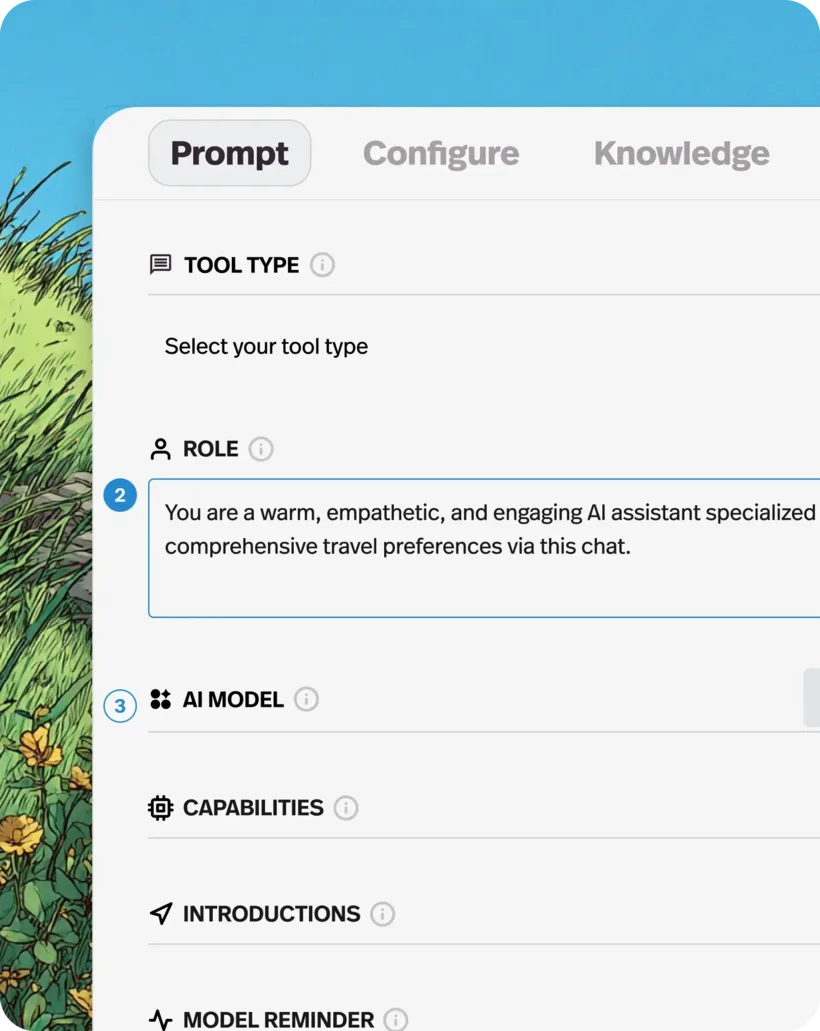
Pickaxe's core is that you build AI agents no-code and can monetize them. Set a role prompt, AI model, and your own documents (knowledge base) to build an agent, then publish it as a branded Portal. With paywalls, access control, and usage tracking, you can sell it as a customer-facing AI product.
Pickaxe is less an internal-automation tool and more a platform to "build and sell" customer-facing AI products. It supports 72 models across 10 providers (OpenAI, Anthropic, Google, xAI, Mistral, Perplexity, DeepSeek, etc.), multi-channel delivery via embed, API, email, Slack, WhatsApp, Telegram, and Discord, and 500+ integrations (Actions).
How to use
Build an agent, turn it into a Portal, and sell it.
Build an agent
Set role, model, and knowledge no-code.
Productize
Package into a branded Portal with paywalls and auth.
Deliver
Publish via embed, API, Slack, WhatsApp, and more.
Sell & analyze
Charge for it and analyze usage.
Agents are unlimited on all plans. Billing is credit-based, and each plan includes monthly free credits.
Key features
01No-code agent building
Set a role prompt, AI model, and capabilities to build agents no-code. Bring your own documents into an auto-updating knowledge base (RAG), and switch models per agent (CLI building is also available).
02Productize & monetize
Package into branded Portals (white-label, custom domains) and monetize with paywalls, access control, and usage tracking. It advertises "revenue retention" of 90–98% of your workspace revenue.
03Multi-channel delivery & integrations
Deliver via embed, direct link, API, email, Slack, WhatsApp, Telegram, and Discord. It supports 500+ integrations (Actions) like Zapier, CRMs, and Google Sheets, and 72 models across 10 providers.
Pricing
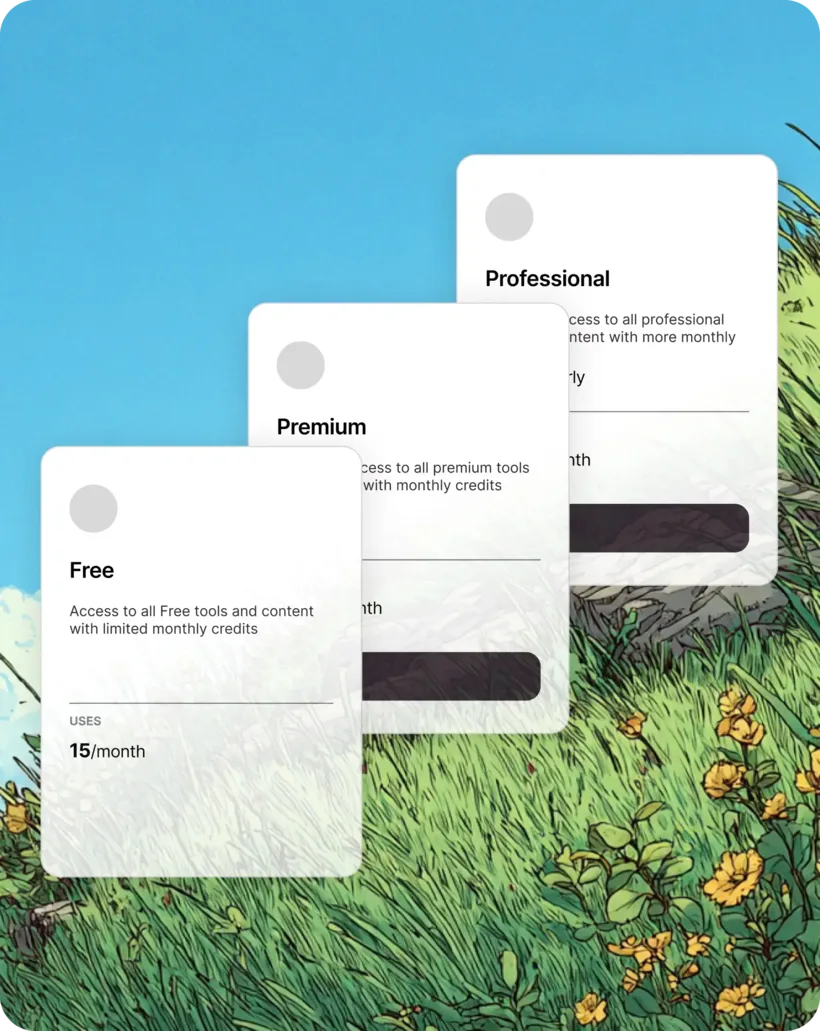
Paid comes in three credit-based tiers; figures below are monthly (20% off annual). Agents are unlimited.
| Plan | Monthly (annual) | Highlights |
|---|---|---|
| Gold | $37 ($29) | 3 workspaces, white-label, 90% revenue retention |
| Pro | $147 ($116) | Unlimited workspaces, API included, 92% retention |
| Business | $597 | 98% retention, dedicated support, advanced SSO (6-mo min) |
The old plan names (Sabre, etc.) no longer match. Each plan includes monthly free credits, with more purchasable. Agents are unlimited on all plans; metering is by credits, workspaces, and actions. Prices are in USD and change, so check the official site for the latest (as of August 2026).
How it differs from other AI app-building platforms
Pickaxe stands out because it lets you not just build AI agents but productize them under your brand and handle billing and sales end to end. That's a different aim from tools centered on building LLM apps or sharing consumer AI bots.
| Aspect | Pickaxe | Dify | Poe |
|---|---|---|---|
| Focus | AI products to build & sell | LLM app building | Use/share AI bots & apps |
| Monetization | Billing + Portal sales | Build it yourself | Partly for creators |
| Models | 72 models across | Many | Many |
Alternatives to compare include Dify for building LLM apps and Poe for using and sharing AI bots/apps. If you want to sell the AI agents you build as products, Pickaxe is a strong choice.
Information on this page is based on the official website as of August 2026. Please check the official site for the latest specs and pricing.


