Ideogram
: How to use it, features, and the business problems it solves
Add bookmark
What is Ideogram?
An AI image generator known for accurately rendering the text you include in your prompt inside the image. It is especially strong for 'visuals that contain text' — logos, posters, banners — and is also highly rated for photorealism and design quality. It excels at English text in images but does not currently support Japanese text.
Business problems it solves





About "Ideogram"
What is Ideogram
Ideogram is an image-generation platform, centered on its own models, known for accurately rendering text (typography, logos, posters) inside images. Under the banner "From frontier research to creative workflows," its flagship model as of 2026 is Ideogram 4.0 (its first open-weight foundation model, released June 2026). Recently it has broadened from a mere image generator into a "generative media platform." It is operated by Ideogram, Inc.
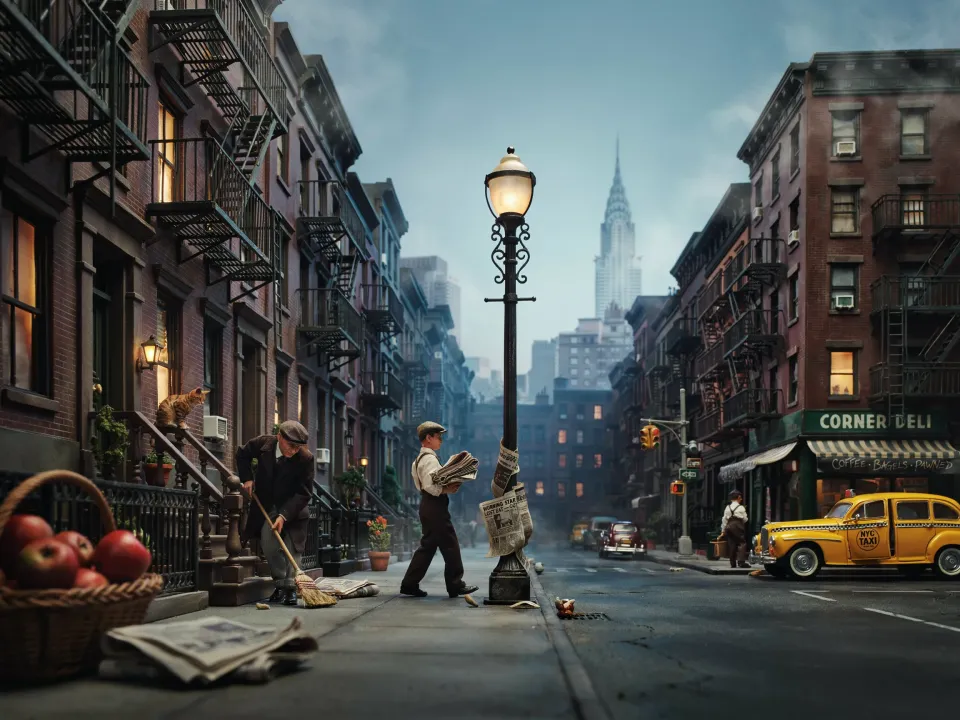
At its core, Ideogram renders the text you want accurately when generating an image from a prompt. It supports multi-line, multi-font text placement, structured (JSON) prompts that let you specify color palettes and layout, an infinite canvas, and style/character reference.
Ideogram's strength is industry-leading accuracy of "in-image text." It is suited to visuals where text matters — logos, posters, ads. The flagship Ideogram 4.0 is an open-weight foundation model, and older models (such as 3.0) are also selectable. It supports a unified API and MCP.
How to use
Enter a prompt, generate, and adjust the text and style.
Enter a prompt
Specify what to depict and the text you want to include.
Generate
Generate an image with text using Ideogram 4.0.
Refine
Adjust with canvas extend/remix and style reference.
Export & integrate
Finish with upscaling and background removal; integrate via API.
The free plan limits you to 10 slow generations per week and 2 canvases, with no private generation (output is public). Private generation is included with paid plans.
Key features
01Accurate text & image generation
With image generation via Ideogram 4.0, you can place multi-line, multi-font text exactly where you want it. It also supports structured (JSON) prompts specifying color palettes and layout, making it suited to logo and poster creation.
02Canvas & reference
Supports an infinite canvas, Magic Fill (inpainting) and Extend, Remix, and style/character reference (consistency). It also includes purpose-built apps (ad resizer, background remover, object remover, upscale).
03Speed, API, apps
Supports Turbo/Balanced/Quality speed modes, batch generation (Pro and up), and an iPhone app. It also offers a unified API that handles image and video models through one endpoint, and MCP for agent workflows.
Pricing
You can start for free; the figures below are the monthly price when billed annually (monthly billing is higher). Plans differ by priority credits and features.
| Plan | Monthly (billed yearly) | Priority credits | Main content |
|---|---|---|---|
| Free | $0 | None (10 slow/week) | Public output, no private generation |
| Plus | $15 | 1,000/mo | Private generation, character consistency |
| Pro | $42 | 3,500/mo | Batch generation, larger queue |
| Team | $20/user | 1,500/user/mo | Central management, collaboration |
Annual billing is up to 33% off. You retain rights to your generated images and may use them commercially (per the official Terms of Service). Credit consumption varies by model and speed (e.g., Ideogram 4.0 at 2K is Turbo 2 / Balanced 4 / Quality 6 per image). Prices are in USD and subject to change; check the official site for the latest (as of August 2026).
How it differs from other image-generation AIs
Ideogram's strength lies in accurately rendering text inside images. It shines for visuals where text is central — logos, posters, ads — and its purpose differs from general generators focused on aesthetic style.
| Aspect | Ideogram | Midjourney | Recraft |
|---|---|---|---|
| Focus | Image generation with text | High-quality image generation | Design assets (vector/text) |
| Strength | Accurate text, typography | Style, expressiveness | SVG, style consistency |
| Use | Logos/posters/ads | Art/visuals | Logos/icons/assets |
Midjourney, known for its style, and Recraft, strong at vectors and text, make good points of comparison. If you want to create logos, posters, and ad visuals where text is essential, Ideogram is a strong option.
The information on this page is based on the official site as of August 2026. Please check the official site for the latest specifications and pricing.