
Project Genie
: How to use it, features, and the business problems it solves
What is Project Genie?
Project Genie is an experimental research prototype from Google (US), published in Google Labs, that generates interactive worlds with AI. Google DeepMind's world models Genie 4 (from November 18, 2026) and Genie 3 render worlds with sound in real time from text or images; you walk around with the keyboard and change the weather or characters with text prompts. In Japan it is available to Google AI Ultra subscribers (from ¥14,500/month); AI Pro members can join a waitlist; 18+ only, with no free generation. Since November 19, developers can use it via the Gemini API (genie-4, paid tier only, about $0.10/second).
Business problems it solves

About "Project Genie"
What is Project Genie?
Project Genie (also searched as "Genie", "Genie 4", or "Google Genie") is an experimental research prototype from Google, published in Google Labs, that uses AI to generate worlds you can control. Describe a scene in text or with an image, and Google DeepMind's world models Genie 4 and Genie 3 render that world in real time: you walk around with the keyboard and change the weather or characters with text prompts. Unlike video generators that produce a clip of fixed length, it keeps generating what lies ahead as you move and act.
A new Project Genie experience with Genie 4 launched on November 18, 2026, and the next day, November 19, developers gained access through the Gemini API (model ID genie-4) and Google AI Studio.
- Which country is it from? Google, United States (models by Google DeepMind, app by Google Labs)
- Can I use it in Japan? Yes. Project Genie is for Google AI Ultra subscribers wherever Google AI Ultra is available, and it is listed among the benefits of Google AI Ultra in Japan (from ¥14,500/month). Google AI Pro members (¥2,900/month) can join a waitlist and get access gradually
- Is it free? You cannot generate worlds for free. Without access, you can still watch short previews of worlds others have made in the gallery
- Age requirement: 18 or older
- API pricing: Paid tier only (no free tier). Video output costs about $0.10/second (about $6.05/minute)
Source: Google Labs "Project Genie"
What's new with Genie 4 (November 18–19, 2026)
Genie 4 is a world model that Google DeepMind announced on October 27, 2026. It became available to the public for the first time in Project Genie on November 18 (Google blog). The same day brought upgrades to Genie 3, the Project Genie agent that helps you build worlds through conversation, and a gallery of community creations.
| Item | At launch in January 2026 (Genie 3) | From November 18, 2026 |
|---|---|---|
| Who can use it | Google AI Ultra subscribers in the U.S. (18+) | Google AI Ultra subscribers wherever Ultra is available (18+). AI Pro via waitlist |
| Models | Genie 3 | Choose Genie 4 or Genie 3 |
| Audio | None | Genie 4 generates ambient sound, effects, and character dialogue together with the visuals |
| Mid-session prompts | Not supported | Type text while exploring to change weather, characters, or events on the spot |
| Length per run (Genie 3) | Up to 60 seconds | Up to 3 minutes per generation, and worlds can be chained together |
| How you create | Create a world from text and images | Talk with the Project Genie agent to build the look, music, and rules |
- Genie 4 raises the bar on visuals and physics: Google calls Genie 4 its "most realistic and interactive world model yet," able to simulate physics such as aerodynamics and collisions as well as natural human movement
- Genie 3 for longer sessions: Genie 3 stays in the model picker and suits longer explorations and worlds seeded from 360-degree panoramas
- Gemini watches along: Bring Gemini into a session and it observes what is on screen, suggests where to go next, or triggers in-world events automatically
Availability in Japan and required plans
Project Genie is available to Google AI Ultra subscribers in countries and regions where Google AI Ultra is offered (Project Genie help). The Japanese plans page (gemini.google/jp/subscriptions) also lists Project Genie as a Google AI Ultra benefit.
| Plan | Monthly price (Japan, as of November 22, 2026) | Project Genie |
|---|---|---|
| Free | ¥0 | No generation. Short previews in the gallery |
| Google AI Plus | ¥725 | Not included |
| Google AI Pro | ¥2,900 | Join the waitlist and get access gradually |
| Google AI Ultra | ¥14,500 (5× AI Pro limits) / ¥32,000 (20× limits) | Included |
- No AI credits used: Because it is an early-access research prototype, generating worlds does not use AI credits (such as Google Flow credits). Instead, daily usage limits apply and vary by plan and demand
- Use a personal Google Account: The help page asks you to sign in with a personal Google Account
- Wording lag: As of November 22, the benefit description on the Japanese plans page still says "Genie 3 world model." Access to Genie 4 is shown in the English announcement and in the Japanese help (the steps for choosing a model when creating)
How to use Project Genie
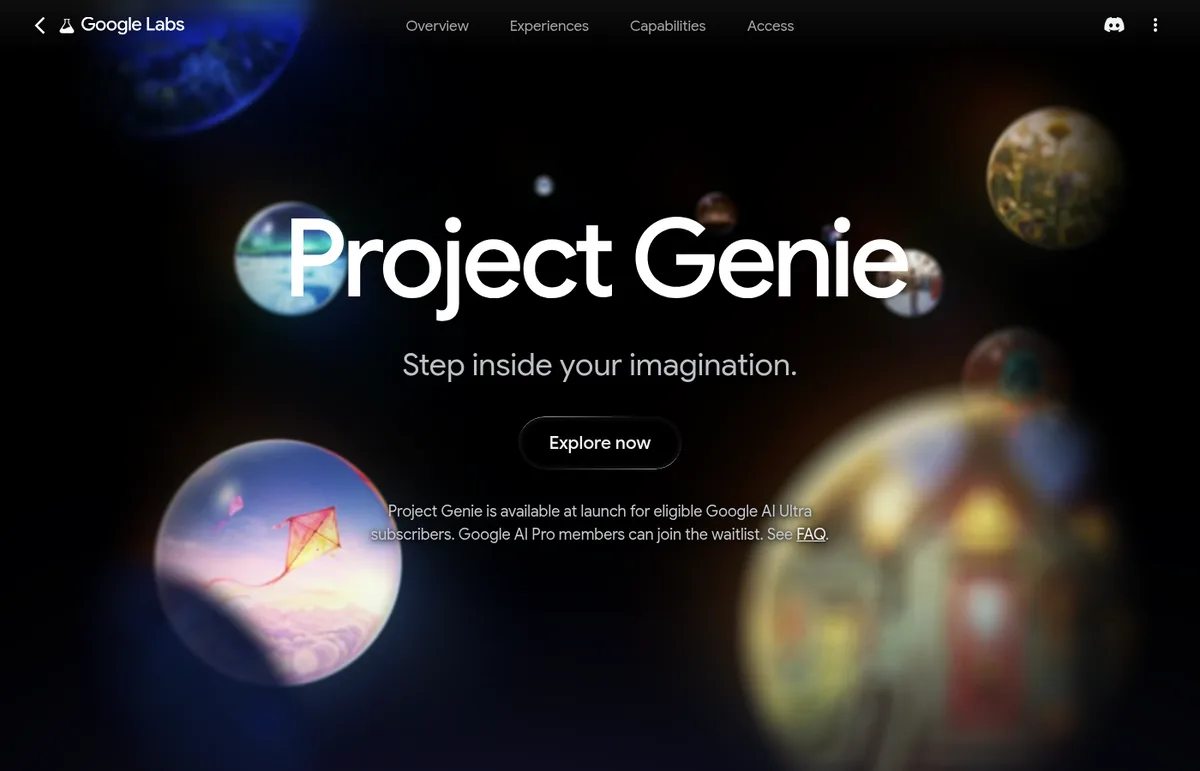
Source: Google Labs "Project Genie" (captured November 22, 2026)
- Open labs.google/fx/projectgenie and sign in Sign in with the personal Google Account that has Google AI Ultra to see the Project Genie home screen. AI Pro members can click "Join waitlist" and will receive an email when access is granted.
- Play from the gallery, or click "Create with Genie" To create, describe the experience you want in the prompt box. You can also upload an image.
- Choose a model and click "Create" Pick Genie 4 or Genie 3. During high demand you may have to wait your turn.
- Refine it with the Experience Builder Adjust the look and rules in chat, and test it before sharing.
- Move through the world Use WASD to move, Spacebar to jump or ascend, and the arrow keys to turn the camera. In many experiences, typing a prompt triggers events in the world.
- Afterward, replay, save, or share Replay (results differ each time), rewatch in Visit History, download a video of your playthrough, share a link, remix, or publish to the gallery.
Source: Get started with Project Genie (Google Labs Help)
Features
01Create worlds
Turn text, images, or a conversation into a world you can walk around.
- Generate from text or images — Describe a scene or upload a photo, then step inside
- Project Genie agent — Describe the story or simulation you want, and it combines Google's models to create the initial look and a soundtrack that fits the mood
- Start from a 360° panorama (Genie 3) — Seed a space from a panorama image
02Act inside the world
What lies ahead is generated in real time based on your input.
- Keyboard controls — WASD to move, Space to jump, arrow keys for the camera. Some experiences have custom controls
- Mid-session text prompts — Change the weather, add a character, or redirect the action while exploring
- Native audio (Genie 4) — From ambient soundscapes to character dialogue, adapting to the scene
- Gemini suggestions — Watches the screen, suggests where to go next, or triggers events automatically
03Share and play
Hand your worlds to others and let them remake them.
- Gallery — Curated worlds and community creations, such as "Living Memory" (turn photos into explorable spaces), "Dino Field Guide" (walk prehistoric habitats), and "The Life of Ants" (navigate a colony from an ant's view)
- Remix — Rework another creator's environment, characters, and audio
- Share and publish — Share via link or publish to the gallery. You can make experiences private or disable remixing
- Download playthroughs — Save a video of your session
Using it via the Gemini API and Google AI Studio (for developers)
From November 19, 2026, developers can use Genie 4 via the Interactions API of the Gemini API (model ID genie-4) and Google AI Studio (Google blog). A paid-tier API key is required; the free tier, Batch API, Flex, and Priority inference are not supported.
| Item | Price (paid tier, per 1M tokens, USD) |
|---|---|
| Input (text / reference image) | $1.50 |
| Output (text) | $9.00 |
| Output (video, audio included) | $17.50 |
| Context caching | Not available |
| Used to improve Google's products | No |
- About $6.05 per minute: Video is billed at 240 tokens per frame (5,760 tokens per second at 24 fps), with audio bundled into the video rate — about $0.10 per second, or about $6.05 per minute
- Always call
complete(): Closing a browser tab or detaching (detach()) does not stop server-side generation or billing. End sessions withcomplete()orcancel() - Up to 120 seconds per session: Visual coherence and object permanence are strongest in roughly the first 45–90 seconds
- Concurrency: Tier 1 allows 2 concurrent sessions and 50 requests per day, Tier 2 allows 5 and 250, Tier 3 allows 10 and 1,000 (the free tier is not supported)
- Served from Japan, too: Genie 4 is served from data centers in the United States, Western Europe, and Japan, and East Asia is among the regions expected to see under 150 ms round-trip latency
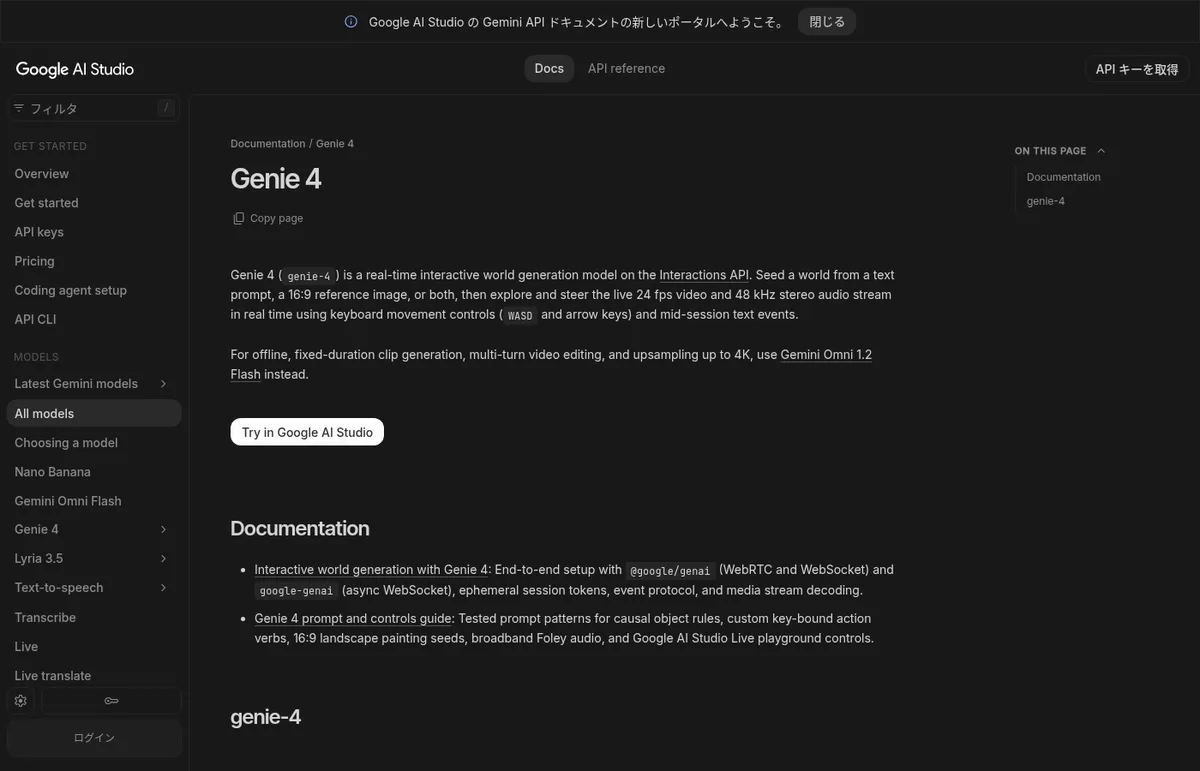
Source: Gemini API "Genie 4" (captured November 22, 2026)
To get started, try the canvas and starter apps in the Live playground of Google AI Studio (aistudio.google.com/live?model=genie-4). To build it into an app, follow the official documentation (Interactive world generation with Genie 4) and connect over WebRTC or WebSocket. When connecting directly from a browser, issue a short-lived session token on your server and pass it to the client.
Sources: Gemini API pricing, Genie 4 model page, Rate limits
Pricing
| How you use it | Price (as of November 22, 2026) | Notes |
|---|---|---|
| Project Genie (consumers) | Google AI Ultra ¥14,500 or ¥32,000 per month (Japan) | No AI credits used for generating worlds. Daily usage limits apply |
| Project Genie (AI Pro) | Google AI Pro ¥2,900 per month (Japan) | Join the waitlist; access is granted gradually |
Gemini API (genie-4) | Video output $17.50 per 1M tokens (about $0.10/second, about $6.05/minute); input $1.50 | Paid tier only. No free tier or Batch. Pay-as-you-go in USD |
Google AI plan prices are as shown on the Japanese plans page (in yen); API rates are as shown on the Gemini API pricing page (in USD).
How it differs from Genie 3, Gemini Omni, and Veo
Genie creates "worlds you can control," while Gemini Omni and Veo create "videos of fixed length." Google's documentation likewise recommends Genie 4 for real-time steerable worlds and Gemini Omni for generating and editing short clips.
| Item | Genie 4 | Genie 3 | Gemini Omni | Veo |
|---|---|---|---|---|
| What it makes | Controllable world (real time) | Controllable world (real time) | Video with audio (3–15 seconds) | Video with audio |
| Control | Keyboard + mid-session text prompts | Keyboard + mid-session text prompts | Edit step by step in conversation | Generate from prompts |
| Audio | Yes (ambient, dialogue) | No | Yes | Yes |
| Length | Up to 120 seconds per API session | Up to 3 minutes per run (Project Genie) | Up to 15 seconds | See product page |
| Where to use | Project Genie, Gemini API, AI Studio | Project Genie | Gemini app, Flow, Vids, Gemini API | Google Cloud |
The Gemini Omni and Veo columns reflect each product page as of its last check. For Google's AI overall, see Gemini; for getting an API key and trying models, see Google AI Studio.
Things to keep in mind
- An experimental research prototype: The help page lists known issues such as characters running backwards, controls occasionally not responding, lower stream quality under load, streams darkening over time, and worlds not matching the input image
- Worlds drift over longer sessions: Looking away from an object for 8+ seconds or turning 360 degrees can shift landmarks or doors. Signs, clocks, and object counts also deform over time
- Text prompts lag a little: Keyboard actions take effect in about 0.2–0.5 seconds, while text prompts take about 1–2 seconds to appear on screen
- No real people or brands: Prompts or images with identifiable real people, public figures, or copyrighted brand IP may be blocked at startup or end a stream mid-session
- Watermarked: All generated video and audio carries an imperceptible SynthID watermark
- Publishing shows your name: Publishing to the gallery makes the account name associated with your Gmail address public. If you allow remixing, others can also see your prompts and images
- Data handling: For signed-in users, Google collects Project Genie interactions and outputs under its Privacy Policy. You can delete your data, including the worlds you created, via More → Delete Data at the top right
- No portrait output via the API: Output is fixed at 16:9, 720p; 9:16, configurable frame rates, live microphone/camera input, and function calling are not supported
FAQ
Q. What is Genie 4?
A world model that Google DeepMind announced on October 27, 2026. It generates worlds you can walk around in, with sound, from text or images in real time, and lets you change them on the spot with the keyboard and text prompts. Consumers can use it in Project Genie, and developers via the Gemini API (genie-4).
Q. How do you pronounce Genie?
Like "genie" (JEE-nee). In Japanese it is written ジーニー, and Project Genie is プロジェクト ジーニー.
Q. Can I use it in Japan?
Yes. Project Genie is for Google AI Ultra subscribers wherever Google AI Ultra is available, and it is listed among the Ultra benefits in Japan. Genie 4 on the Gemini API is also served from a data center in Japan and works with a paid-tier API key.
Q. Is it free?
You cannot create worlds for free. Without access, you can still watch short previews of others' worlds in the gallery. Genie 4 on the Gemini API has no free tier either.
Q. Can I use it with Google AI Pro?
You can join the waitlist and will get access gradually. For immediate access, you need Google AI Ultra (from ¥14,500/month in Japan).
Q. How much does the API cost?
Video output costs $17.50 per 1M tokens — about $0.10 per second or about $6.05 per minute (audio included). Input costs $1.50 per 1M tokens. Billing continues until you end the session with complete().
Q. What is the minimum age?
Project Genie is for users 18 and older.
The information on this page is based on what was publicly available as of November 22, 2026: Google's blog posts ("Project Genie," January 29, 2026; "Genie 4 is now available," November 18, 2026; "Genie 4 is now available on the Gemini API," November 19, 2026), Google DeepMind's Genie 4 announcement (October 27, 2026), the Project Genie page and help on Google Labs, the Gemini API pricing, model, rate-limit, and Genie documentation, and Google's Japanese AI plans page. Pricing and availability may change, so please check the official site for the latest information.