

Tripo AI
: How to use it, features, and the business problems it solves
Add bookmark
What is Tripo AI?
An AI 3D platform that generates production-ready 3D assets (models, textures, rigs) from text, images, or sketches in seconds. Supports auto-rigging, up to 4K/8K PBR textures, and export to GLB/FBX/USDZ and more. Its flagship models are the high-fidelity Tripo H3.1 and the engine-ready lightweight Tripo P1.0.
Business problems it solves



About "Tripo AI"
What is Tripo AI
Tripo AI (Tripo3D) is an AI 3D platform that turns text, images, or sketches into production-ready 3D assets (models, textures, rigs) in seconds. Under the banner "The Best AI 3D Workspace," it positions itself not as a one-shot generator but as a "3D workspace" covering generation through editing and export. It is developed by the VAST AI Research team.
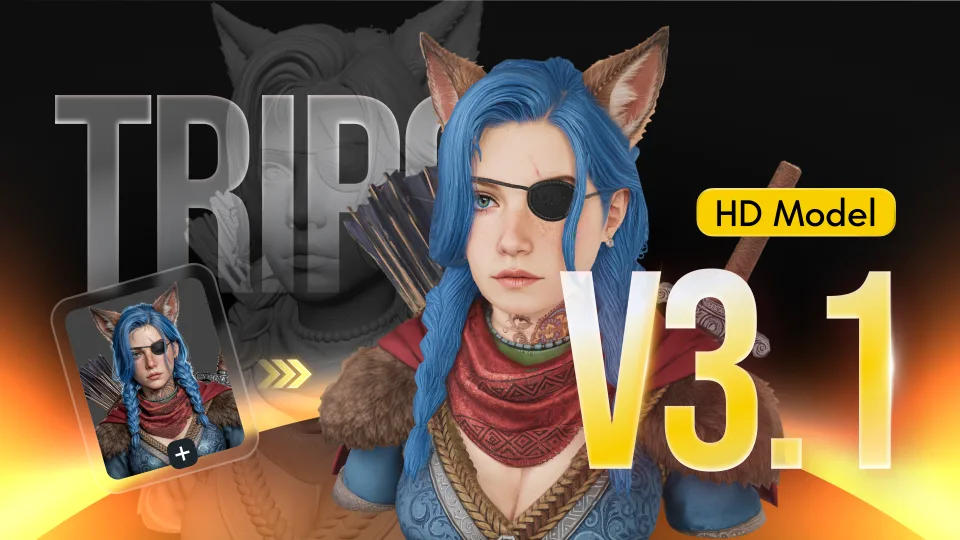
At its core, Tripo AI lets you generate a 3D model from text or an image and then rig it, texture it, and split it into parts. It supports text/image/multiview-to-3D, auto-rigging & animation, up to 4K/8K PBR textures, Smart Segmentation that splits a model into parts, engine-ready Smart Mesh, and an API.
Tripo runs on its own models. As of 2026, the flagships are Tripo H3.1 (March 2026), for high-fidelity image-to-3D, and Tripo P1.0 (Smart Mesh), shown at GDC 2026, which quickly generates lightweight, engine-ready meshes. Export supports GLTF/GLB, FBX, USDZ, OBJ, STL, 3MF, and more.
How to use
Enter text or an image and get a 3D model.
Provide input
Enter text, an image, or a sketch.
Generate 3D
Generate a 3D model in seconds.
Refine
Finish with rigging, texturing, and part segmentation.
Export
Export as GLB/FBX/USDZ, etc., for games and XR.
The free plan is 200 credits/month (about 13 models), and output is public and non-commercial. Commercial use and private models require Pro or higher.
Key features
013D generation (text/image/multiview)
Generate 3D models from text, images, or multiview. The flagship Tripo H3.1 handles high-fidelity image-to-3D, while Tripo P1.0 (Smart Mesh) quickly generates lightweight, engine-ready meshes.
02Rigging, textures, segmentation
Supports auto-rigging & animation with clean skeletons, up to 4K/8K PBR texture generation (with the Magic Brush for local refinement), and Smart Segmentation that splits a model into editable parts.
03Export & API
Supports export to GLTF/GLB, FBX, USDZ, OBJ, STL, and 3MF for use in game engines and XR. An API is also available for developers.
Pricing
You can start for free; the figures below are monthly (annual is discounted). Plans differ by monthly credits and commercial-use rights.
| Plan | Monthly | Monthly credits | Commercial use |
|---|---|---|---|
| Free | $0 | 200 (~13 models) | No (public, non-commercial) |
| Pro | $19.90 | 3,000 (~200 models) | Yes (private, commercial) |
| Max | $89.90 | 25,000 (~1,660 models) | Yes; unlimited 8K textures |
| Team | from $54.95/seat (billed yearly) | 90,000 | Yes (private, commercial) |
Generating one model is roughly 15 credits as a guide. The free plan is public and non-commercial; commercial use and private models require Pro or higher. Annual billing is discounted (deeper discounts on higher tiers). Prices are in USD and subject to change; check the official site for the latest (as of August 2026).
How it differs from other AI 3D generators
Tripo AI stands out by generating 3D from text or images and handling rigging, texturing, part segmentation, and export all in one. Its strength is finishing assets not just as generations but in a form usable in production.
| Aspect | Tripo AI | Meshy | Luma |
|---|---|---|---|
| Focus | Text/image → 3D + editing/export | Text/image → 3D | 3D capture/generation |
| Strength | Rigging/segmentation/lightweight meshes, own models | Textures, volume | 3D from real footage (NeRF) |
| Output | GLB/FBX/USDZ, etc. | Various 3D formats | 3D/video |
Meshy, which also creates 3D from text/images, and Luma, strong at 3D from real footage, make good points of comparison. If you want to cover everything from generation to a form usable in games and XR, Tripo AI is a strong option.
The information on this page is based on the official site as of August 2026. Please check the official site for the latest specifications and pricing.


![[2026 Edition] Must-Know for 3D Modelers: 4 AI Tools for Fast, Automated 3D Model Generation | Luma AI, Meshy, and More](/_next/image?url=%2Fimages%2Farticles%2Fai-3d-modeling-tools-comparison.png&w=3840&q=75 "[2026 Edition] Must-Know for 3D Modelers: 4 AI Tools for Fast, Automated 3D Model Generation | Luma AI, Meshy, and More")