
WebTerm Learn
: How to use it, features, and the business problems it solves
Add bookmark
What is WebTerm Learn?
WebTerm Learn is a free platform for learning the terminal and Git systematically. Twelve courses and 129 lessons pair illustrated slides with hands-on exercises: terminal basics through advanced shell, SSH and system administration; Git from first commit through branching and team workflows; plus Vim and Herdr (a terminal multiplexer for coding agents). Every stage is followed by a short training course for repetition. All courses free; Japanese and English.
Business problems it solves


About "WebTerm Learn"
What is WebTerm Learn
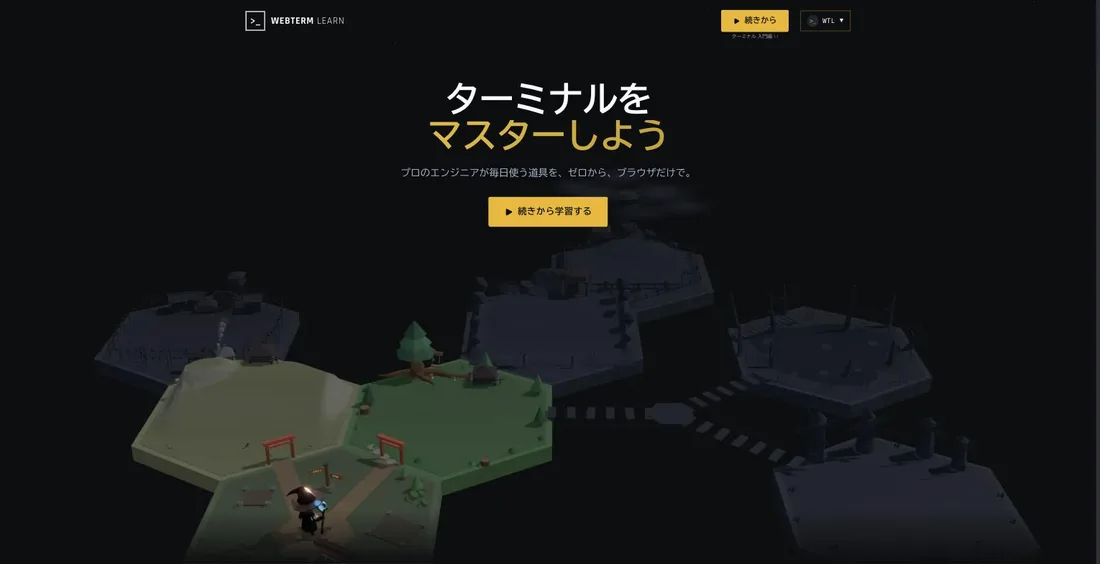
WebTerm Learn is a free platform for learning the terminal and Git in a structured way. Illustrated slides establish the concept, and you immediately try it in a terminal on the same screen. It is built by init.co.jp and pairs with WebTerm, the practice terminal itself.
The catalog holds 12 courses and 129 lessons. Both the terminal and Git run through "introduction → fundamentals → advanced," and each stage is followed by a short training course for repetition — so you cannot pass through on the strength of having understood the reading.
How to use it
-
Create a free account
Sign up at learn.webterm.app. Nothing is installed locally.
-
Choose your entry point
New to the terminal? Start with Terminal Introduction (20 lessons). Only after Git? Start with Git Introduction (23 lessons).
-
Alternate slides and exercises
Read the concept, then type the command in the terminal beside it to confirm it.
-
Lock it in with the training courses
Each stage is followed by three training lessons built around realistic scenarios.
Course structure
01Terminal
From basic operations to shell and system administration.
- Terminal Introduction (20 lessons, beginner) — the basics from zero
- Terminal Fundamentals (13 lessons, elementary) — file operations and text processing, search and filtering
- Terminal Advanced (25 lessons, advanced) — the shell, system administration, SSH
- Training courses (3 lessons × 3) — repetition on practical and server-operations scenarios
02Git
Version control from zero to the edge of team development.
- Git Introduction (23 lessons, beginner) — the model and the basic operations
- Git Fundamentals (18 lessons, elementary) — branching and the operations teams rely on
- Training courses (3 lessons × 2) — repetition on basics and on branching
03TUI tools
The tools you use inside the terminal.
- Vim Introduction (9 lessons) — from modal operation to editing
- Herdr Introduction (6 lessons) — panes, tabs and workspaces
Preparing the hands that drive an AI agent
The more work you delegate to a coding agent, the more what remains on the human side is checking and recovering. Reading a diff, isolating a branch, undoing the wrong commit — those are all Git operations. That is why 41 of the lessons here go to Git Introduction and Git Fundamentals: this is where practical work stalls.
Herdr Introduction exists for the same reason. Herdr is a terminal multiplexer for coding agents, built for the pattern that became common in 2026: running several agents in separate panes and supervising them in parallel. Understanding panes, tabs and workspaces first means you will not trip when you start running several agents at once.
Pricing
How it differs from other learning services
Most services enter through language syntax. WebTerm Learn enters through the environment — the terminal, Git and Vim. That aims directly at the ordering problem: learning the syntax and then stalling on the development environment.
| WebTerm Learn | Progate | dotinstall | Boot.dev | |
|---|---|---|---|---|
| Entry point | Terminal and Git | Language syntax | Videos by language/tool | Backend languages |
| Format | Slides + exercises | Slides + exercises | 3-minute videos + exercises | Coding challenges |
| Japanese | Yes | Yes | Yes | No |
| Price | Free | From ¥990/month | ¥1,480/month | From ¥4,200/month in Japan |
If you only want the practice environment, use WebTerm; to start from a language, Progate; to push into CS fundamentals, Recursion.
This page reflects information published on the official site as of August 2026. Check the official site for the latest specifications and pricing.
Frequently compared services





Articles featuring WebTerm Learn
CLI and Programming Study in the Age of AI Coding Agents [August 2026]: 11 Services, Starting from the Terminal and Git
With Claude Code, Codex and Cursor in everyday use by 2026, what you need is no longer the ability to write from scratch but the ability to read the diffs an agent produces, interpret its errors and recover a broken state — and all of that happens in the terminal. This article compares 11 learning services — WebTerm, WebTerm Learn, Progate, dotinstall, paiza Learning, ZEN Study, Techpit, Recursion, Boot.dev, KodeKloud and DeepLearning.AI — by entry point (language or environment), format, language support, free tier and price. It also covers the courses rebuilt around agents, including Progate's Claude Code Introduction (beta), KodeKloud's Claude Code For Beginners (8h32m) and DeepLearning.AI's course co-produced with Anthropic, and lays out an order to learn in: environment, syntax, agent, evaluation.
![CLI and Programming Study in the Age of AI Coding Agents [August 2026]: 11 Services, Starting from the Terminal and Git](/_next/image?url=%2Fimages%2Farticles%2Fcli-programming-learning-for-ai-coding-agents.png&w=3840&q=75 "CLI and Programming Study in the Age of AI Coding Agents [August 2026]: 11 Services, Starting from the Terminal and Git")
11 Programming Learning Services Compared [August 2026]: Choosing by Purpose, Price, End State and Language Support
Lists of thirty "best programming learning sites" mix free services with schools costing thousands of dollars, which makes them useless for deciding. This article narrows the field to 11 services you can study on independently for a few thousand yen a month — Progate, dotinstall, paiza Learning, ZEN Study, Techpit, Recursion, WebTerm, WebTerm Learn, Boot.dev, KodeKloud and DeepLearning.AI — organized by purpose: getting hired, finishing a first course, having something to build, breaking a plateau, and moving into infrastructure. It compares end state, format, language support, free tier and yearly cost, then sets out a study order that working people can sustain and what the foundation needs to contain in the age of AI coding agents.
![11 Programming Learning Services Compared [August 2026]: Choosing by Purpose, Price, End State and Language Support](/_next/image?url=%2Fimages%2Farticles%2Fprogramming-learning-services-comparison.png&w=3840&q=75 "11 Programming Learning Services Compared [August 2026]: Choosing by Purpose, Price, End State and Language Support")